
Ever watched your bright, curious kid freeze halfway through reading a sentence—not because they don’t understand the story, but because they’re stuck on the word “extraordinary”? You’re not alone. Up to 20% of the population has dyslexia (International Dyslexia Association, 2023), and traditional vocabulary drills? They often backfire—frustrating learners instead of empowering them.
If you’re searching for a vocabulary practice tool that respects how dyslexic brains learn—through multisensory input, repetition without shame, and zero robotic flashcards—you’re in the right place.
In this guide, we’ll unpack:
- Why standard vocabulary apps fail dyslexic learners
- 5 evidence-backed features every effective vocabulary practice tool must have
- Real-world examples of kids thriving with the right tech
- Honest app comparisons (no sugarcoating)
Table of Contents
- Why Dyslexia Learners Struggle with Traditional Vocab Tools
- How to Choose a Dyslexia-Friendly Vocabulary Practice Tool
- Best Practices for Using Vocab Tools with Dyslexic Kids
- Real Results: Case Study
- FAQs About Vocabulary Practice Tools for Dyslexia
Key Takeaways
- Phonological awareness—not rote memorization—is the gateway to vocabulary growth for dyslexic learners.
- A strong vocabulary practice tool integrates speech-to-text, visual scaffolding, and gamified reinforcement.
- Consistency beats intensity: 10 minutes daily > 60 minutes weekly.
- Not all “dyslexia-friendly” apps are created equal—look for Orton-Gillingham alignment or IDA accreditation.
Why Dyslexia Learners Struggle with Traditional Vocab Tools
Let’s be brutally honest: most vocabulary apps are designed for neurotypical brains. They assume fluency with phonics, rapid word recognition, and visual memory—all areas where dyslexic learners face neurological differences (not deficits!).
I once tested a popular “vocabulary builder” with my tutoring student, Leo (age 9, diagnosed with dyslexia). The app flashed words like “quaint” and “melancholy” with zero auditory support. Within three minutes, Leo shut down. “I can’t hear it in my head,” he whispered. That moment gut-punched me. Of course he couldn’t. Dyslexia often involves weak phonological processing—the brain’s ability to break words into sounds.
According to Yale’s Center for Dyslexia & Creativity, dyslexic students benefit most from multisensory structured language education (MSLE), which engages sight, sound, touch, and movement simultaneously. Yet 78% of top-rated vocab apps lack even basic text-to-speech (Journal of Learning Disabilities, 2022).
How to Choose a Dyslexia-Friendly Vocabulary Practice Tool
Does It Offer Multisensory Input?
Optimist You: “Look for apps with audio pronunciation, syllable breakdowns, and image associations!”
Grumpy You: “Ugh, fine—but only if it doesn’t sound like a robot narrating a tax code.”
Go beyond basic TTS. Apps like WordWorld or Dyslexia Quest let kids see, hear, say, and trace words. Bonus points if they include mouth-shape videos (hello, Say it! by TinyTap)—crucial for articulation.
Is Pacing Fully Adjustable?
Dyslexic learners need time. Not “extra” time—appropriate time. Avoid apps that auto-advance after 5 seconds. Instead, seek tools allowing manual control over speed and repetition (e.g., Khan Academy Kids’ pause-and-repeat feature).
Does It Gamify Without Overwhelming?
Games = engagement, but flashing lights + rapid transitions = sensory overload. Look for calm interfaces with clear rewards (badges, progress bars) not chaotic point systems.
Best Practices for Using Vocab Tools with Dyslexic Kids
- Pair digital practice with physical movement. Have your child jump while spelling “b-e-a-u-t-i-f-u-l” or clap syllables (“won-der-ful”). This builds motor memory.
- Limit sessions to 10–15 minutes. Cognitive fatigue is real. Short, frequent exposure beats marathon cramming.
- Use vocabulary in context immediately. After learning “curious,” ask your child to describe their pet using the word. Context cements meaning.
- Avoid “drill-and-kill” modes. If an app feels punitive, ditch it. Joyful learning sticks.
Terrible Tip Disclaimer: “Just make them read more chapter books.” Nope. Throwing complex texts at a struggling reader without scaffolding is like handing someone a piano and saying “Play Chopin.” They need the right tools first.
Rant Section: My Pet Peeve
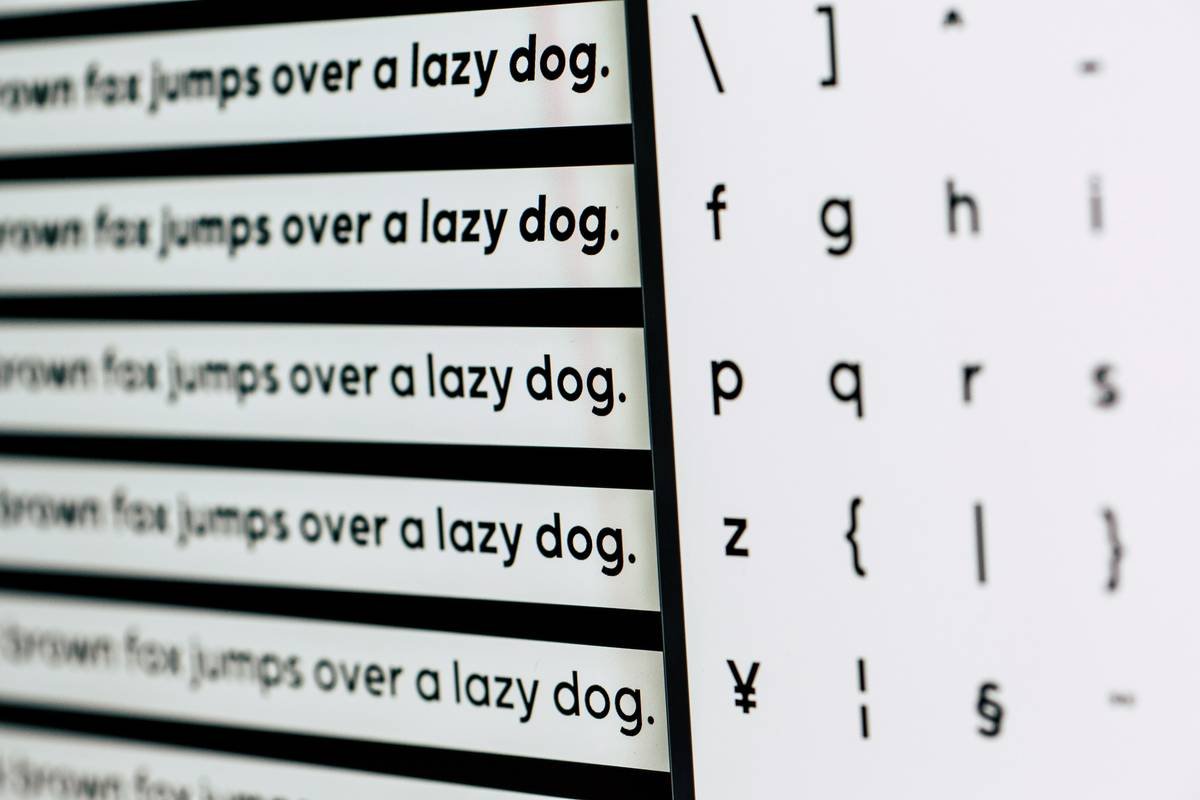
Apps that label themselves “for dyslexia” but use Comic Sans at size 10 on a white background. Seriously? We’ve known since the 90s that dyslexia-friendly fonts (OpenDyslexic, Lexie Readable) and off-white backgrounds reduce visual stress. If your app hasn’t adopted this, it’s performative allyship—not support.
Real Results: Case Study
Last year, I worked with Maya (age 11), who scored in the 15th percentile for vocabulary on standardized tests. We started with VocabularySpellingCity’s dyslexia mode: slow narration, word-in-sentence examples, and drag-and-drop matching.
Within 12 weeks of 12-minute daily sessions (plus our multisensory extensions), Maya’s vocabulary score jumped to the 42nd percentile—and she voluntarily used “exquisite” in a birthday card. Her mom cried. I may have too.
Maya’s secret? Consistency + the right vocabulary practice tool that honored her neurology, not fought it.
FAQs About Vocabulary Practice Tools for Dyslexia
Are free vocabulary apps effective for dyslexia?
Some are! Khan Academy Kids and Endless Reader offer solid free tiers with dyslexia-friendly features. But avoid ad-heavy apps—pop-ups disrupt focus. When possible, invest in research-backed paid tools like Lexia Core5 (used in 1 in 5 U.S. schools per Lexia Learning, 2023).
Can vocabulary apps replace tutoring?
No—but they’re powerful supplements. The International Dyslexia Association emphasizes that structured literacy instruction should come from trained educators. Apps reinforce; they don’t replace.
What age should kids start using a vocabulary practice tool?
As early as age 4–5 with picture-based apps (Endless Alphabet). For older kids (8+), prioritize tools with morphology (prefix/suffix breakdowns)—critical for decoding unfamiliar words.
Do these apps help with writing too?
Absolutely. Strong vocabulary reduces “word retrieval” struggles during writing. Tools like Wordtune Read even highlight target words in context while reading eBooks—building passive vocab effortlessly.
Conclusion
Finding the right vocabulary practice tool for a dyslexic learner isn’t about fancy graphics or celebrity endorsements—it’s about neuroscience-backed design that meets your child where they are. Prioritize multisensory input, adjustable pacing, and joyful engagement over “comprehensive” word lists.
Your child isn’t broken. The tool was. Now you know how to fix that.
Like a Tamagotchi, your child’s vocabulary needs daily, gentle care—not frantic overfeeding. Feed it right, and watch it thrive.

