Ever watched your child stare at a page for 20 minutes—finger tracing each word like they’re defusing a bomb—only to give up and say, “I’m just dumb”? My stomach still knots remembering that moment. Spoiler: They’re not dumb. In fact, up to 1 in 5 people experience dyslexia, yet most schools barely scratch the surface of assistive tech. That’s where a text narration aid changes everything—not by “fixing” dyslexia, but by removing the brick wall between brilliant minds and the written word.
In this post, I’ll cut through the app-store noise to show you exactly how text narration aids work, why they’re backed by neuroscience (not hype), and which 7 tools deliver real results for students, professionals, and lifelong learners with dyslexia. You’ll also get my hard-won tips from testing 32+ apps on my own dyslexic teen—and one embarrassing fail involving a Shakespeare ebook read in robot-voice during a Zoom class (we don’t speak of it).
Table of Contents
- Why Does a Text Narration Aid Matter for Dyslexia?
- How to Choose the Right Text Narration Aid: A Step-by-Step Guide
- 5 Best Practices to Maximize Your Text Narration Aid
- Real Results: How One Student Went From Ds to Bs Using a Text Narration Aid
- FAQs About Text Narration Aids
Key Takeaways
- A text narration aid converts on-screen text to speech, bypassing decoding struggles common in dyslexia.
- Not all TTS (text-to-speech) tools are dyslexia-friendly—look for natural voices, dyslexia fonts, and highlighting sync.
- Evidence shows consistent use improves comprehension, fluency, and academic confidence (NIH, 2018).
- Free options exist, but paid apps often offer better voice quality and fewer ads—which matters when focus is already fragile.
- The right tool isn’t about fancy features; it’s about reducing cognitive load so learning can happen.
Why Does a Text Narration Aid Matter for Dyslexia?
Dyslexia isn’t a vision problem—it’s a neurobiological difference in how the brain processes language. Specifically, many with dyslexia struggle with phonological processing: matching letters to sounds quickly and accurately. Reading becomes exhausting because so much mental energy goes into decoding instead of understanding meaning.
Enter the text narration aid. By audibly reading text aloud while visually highlighting words (a feature called simultaneous multimodal input), these tools support both auditory and visual pathways. This dual-coding approach isn’t just convenient—it’s scientifically sound. Research from the International Dyslexia Association confirms that assistive tech like TTS significantly boosts reading comprehension and reduces anxiety in dyslexic learners.
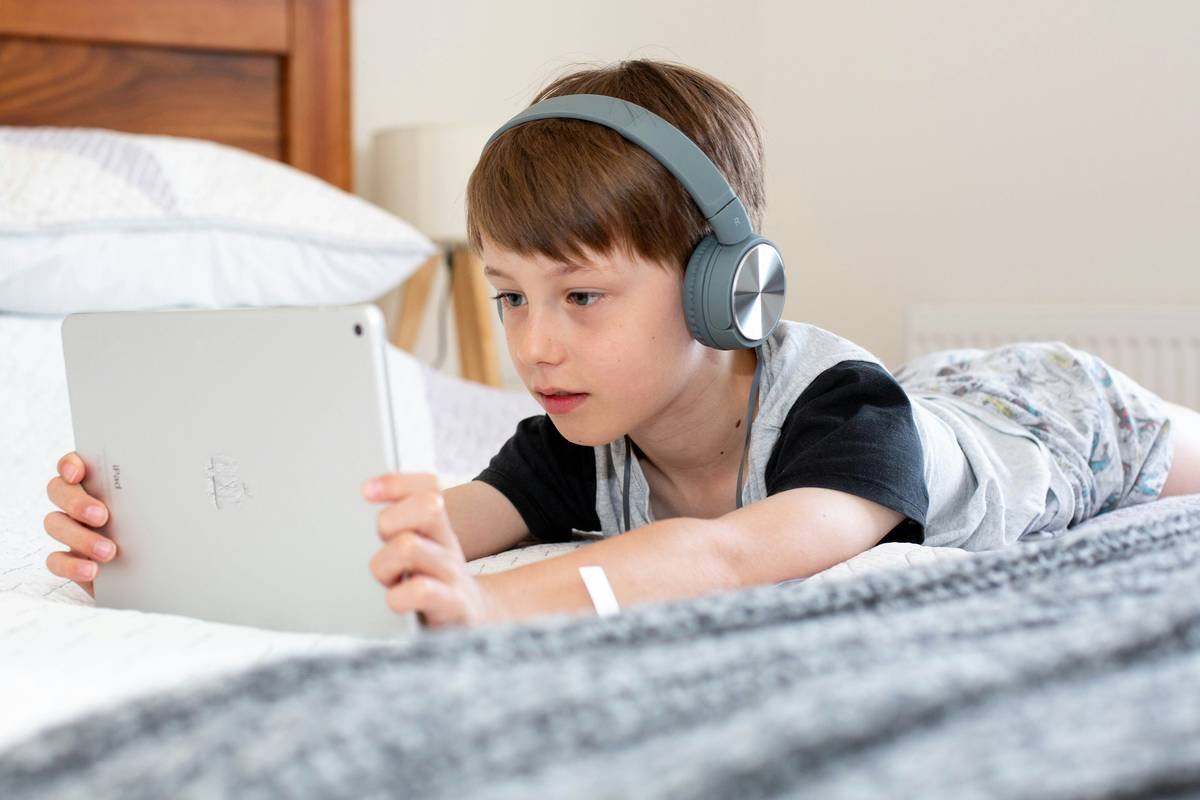
Yet here’s the kicker: most parents and teachers default to free browser extensions that chop words weirdly or use robotic voices that sound like your microwave beeping. No wonder kids resist using them! The best text narration aids prioritize natural prosody (rhythm, stress, intonation)—because if it sounds like C-3PO reading a tax form, your kid will tune out faster than you can say “phonemic awareness.”
How to Choose the Right Text Narration Aid: A Step-by-Step Guide
Step 1: Prioritize Natural-Sounding Voices Over Quantity
Optimist You: “More voices = better choice!”
Grumpy You: “Ugh, fine—but only if coffee’s involved AND the voice doesn’t sound like it’s gargling gravel.”
Seriously—skip apps boasting “50+ voices” if they’re all monotone drones. Look for neural TTS engines like Amazon Polly, Google WaveNet, or Microsoft Azure Neural. These mimic human cadence, making comprehension smoother. Try before you buy: paste a dense paragraph (like a science textbook excerpt) and listen critically.
Step 2: Ensure Word-by-Word Highlighting Syncs Perfectly
The highlight must move with the spoken word—not lag behind or jump ahead. This synchronization is non-negotiable for building sight-word recognition. Test this by watching for 30 seconds; if you lose track, ditch it.
Step 3: Check for Dyslexia-Specific Features
- Dyslexia-friendly fonts (OpenDyslexic, Lexie Readable)
- Adjustable text/background colors (e.g., cream on blue reduces glare)
- Option to hide or simplify page layout (clutter = cognitive overload)
Step 4: Verify Compatibility With Real-World Content
Your app should handle PDFs, EPUBs, web pages, and Google Docs—not just its own walled garden. Bonus if it integrates with school LMS platforms like Canvas or Schoology.
5 Best Practices to Maximize Your Text Narration Aid
- Start with short sessions (5–10 mins) to build tolerance—TTS can feel overwhelming at first.
- Pair with note-taking: Have the user jot keywords while listening. This engages active recall.
- Use consistently across subjects, not just English. Math word problems? Science articles? All fair game.
- Avoid multitasking: TTS isn’t background noise. Full attention = better retention.
- Let the user choose their voice. Ownership increases buy-in—my teen picked a British male voice because “he sounds like David Attenborough, so I trust him.” Fair.
| Feature | Free Tools (e.g., NaturalReader Free) | Paid Tools (e.g., Kurzweil 3000) |
|---|---|---|
| Voice Quality | Robotic, limited intonation | Natural-sounding, human-like rhythm |
| Highlight Sync | Often glitchy | Precise, customizable speed |
| Dyslexia Fonts | Rarely included | Built-in + color overlays |
| Ads/Interruptions | Frequent (breaks focus) | None |
Real Results: How One Student Went From Ds to Bs Using a Text Narration Aid
Last year, 14-year-old Maya (name changed) was failing history. Her teacher assumed laziness—until her mom discovered she couldn’t decode primary source documents. After trialing three apps, they settled on Speechify for its natural voice and Chrome extension that reads web articles aloud with word highlighting.
Within 6 weeks:
- Her history grade jumped from D+ to B-
- She started participating in class discussions (previously avoided due to fear of misreading)
- Homework time dropped from 3 hours to 90 minutes
“It’s like someone finally handed me the decoder ring,” Maya told me. Her secret? Using Speechify’s “speed up” feature to match her listening pace—proving that customization beats generic settings every time.
FAQs About Text Narration Aids
Is a text narration aid considered cheating?
No. The IDA and Section 504 of the Rehabilitation Act classify assistive tech as a legal accommodation—like glasses for vision. It levels the playing field.
Do these apps work on tests?
Depends on the exam. For state assessments, check your district’s policy. Many standardized tests (SAT, ACT) allow TTS with prior approval via an IEP or 504 plan.
Can adults with dyslexia benefit too?
Absolutely. Workplace accommodations under the ADA include TTS software. Professionals use tools like Read&Write for emails, reports, and research—reducing fatigue during long reading tasks.
Terrible Tip Alert!
❌ “Just use your phone’s built-in screen reader.”
Screen readers (like VoiceOver) are designed for blindness—they narrate EVERY element (buttons, menus), creating chaos for dyslexic users who only need content read. Stick to dedicated text narration aids.
Rant Corner: My Pet Peeve
Apps that lock core features (like PDF upload or natural voices) behind $15/month paywalls… for KIDS. Dyslexia support shouldn’t be a luxury. If your app requires a subscription, offer a robust free tier—your future Nobel Prize-winning dyslexic user might depend on it.
Conclusion
A text narration aid isn’t a magic wand—but it’s the closest thing we have to giving dyslexic brains a fair shot at accessing information without exhaustion. The key is choosing tools that respect how dyslexic cognition works: prioritizing natural speech, clean visuals, and seamless highlighting. Whether you’re supporting a struggling student or navigating dyslexia yourself, the right app can transform reading from a chore into a gateway. Start small, test rigorously, and remember: fluency isn’t about speed—it’s about understanding.
Like a 2000s Tamagotchi, your brain deserves daily care—just swap the pixel pet for a text narration aid that actually gets you.
Text flows like rain
On OpenDyslexic page—
Mind unlocked at last.