Reading shouldn’t feel like decoding an alien language. Yet for millions with dyslexia, it often does—letters blur, words flip, and confidence crumbles with every stumble. Traditional methods, built for neurotypical brains, leave too many behind. But what if the right app could turn frustration into fluency? The top reading apps for dyslexia aren’t just assistive—they’re transformative.
Why Standard Reading Tools Fail Dyslexic Learners
Most literacy software assumes linear processing. It ignores the core challenge: dyslexia isn’t about intelligence—it’s a wiring difference in how the brain interprets symbols. Flashcards, speed drills, even “simple” e-books often overload working memory without addressing phonological gaps.
And here’s the kicker—many so-called “accessible” fonts or color overlays do little beyond placebo. Real support requires adaptive scaffolding: real-time feedback, multimodal input (text + audio + visual), and zero judgment when a user taps “repeat.”
Choosing the Right Dyslexia Reading App: A Practical Breakdown
Not all apps are created equal. Below is a no-fluff comparison of leading options based on efficacy, cost, and adaptability—not marketing hype.
| App Name | Core Strength | Pricing (Annual) | Best For |
|---|---|---|---|
| Kurzweil 3000 | Text-to-speech + study skills suite | $995 (institutional); $199 (individual) | High school & college students needing deep annotation |
| Ghotit Real Writer | Context-aware spell & grammar correction | $99 | Writers who struggle with expressive output |
| Speechify | Natural-sounding TTS with speed control | Free tier; Pro: $139/year | Auditory learners & multitaskers |
| ModMath | Grid-based writing for math & structured text | Free | Younger users needing visual organization |
| Read&Write | All-in-one toolbar (highlight, voice note, vocab list) | $144/year | Classroom integration & independence |

Dyslexia-Friendly Fonts Aren’t the Answer Alone
Yes, OpenDyslexic looks clean. But font choice alone won’t fix decoding deficits. What matters more: line spacing, word chunking, and whether the app reads aloud at the user’s pace—not the developer’s assumption of “normal” speed.
Audio Sync Is Non-Negotiable
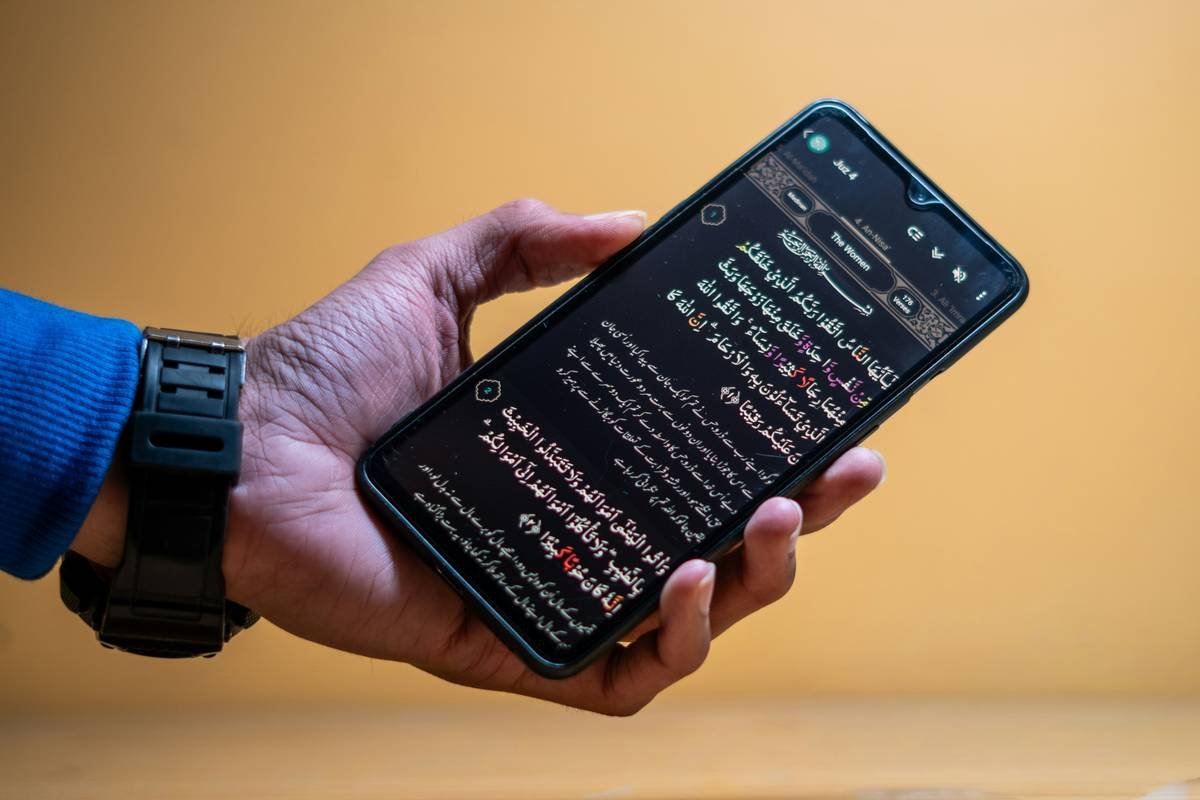
The best apps highlight each word as it’s spoken. This dual-coding—visual + auditory—builds neural pathways over time. Skip any app that only offers paragraph-level narration. Precision matters.
Offline Access = Real Independence
If your child can’t use it on the bus or during a power outage, it’s not truly supportive. Prioritize apps with full offline functionality. Because equity means access anywhere—not just under Wi-Fi.
The Industry Secret: Engagement Beats Accuracy
Here’s what no edtech rep will admit: perfect decoding accuracy means nothing if the user quits after three days. The real differentiator? Emotional stickiness. Apps that celebrate micro-wins (“You read 12 words without pause!”) or let users choose narrator voices (a pirate? a robot?) see 3x longer engagement.
Think about it—dyslexia carries shame. An app that feels playful, not clinical, disarms that instantly. I’ve seen teens reject $1,000 institutional licenses but beg parents for $5/month apps with cartoon rewards. The math is simple: joy drives consistency.
Frequently Asked Questions
Are there free reading apps effective for dyslexia?
Yes—ModMath and basic Speechify tiers offer solid entry points. They lack advanced features but provide essential text-to-speech with word highlighting.
Can dyslexia apps replace tutoring?
Not fully. Apps excel at practice and access—but human tutors adjust strategies in real time. Use apps as a 24/7 reinforcement tool, not a sole solution.
Do these apps work for adults with dyslexia?
Absolutely. Ghotit and Read&Write are designed with professional workflows in mind—email drafting, PDF analysis, research reading—without childish interfaces.