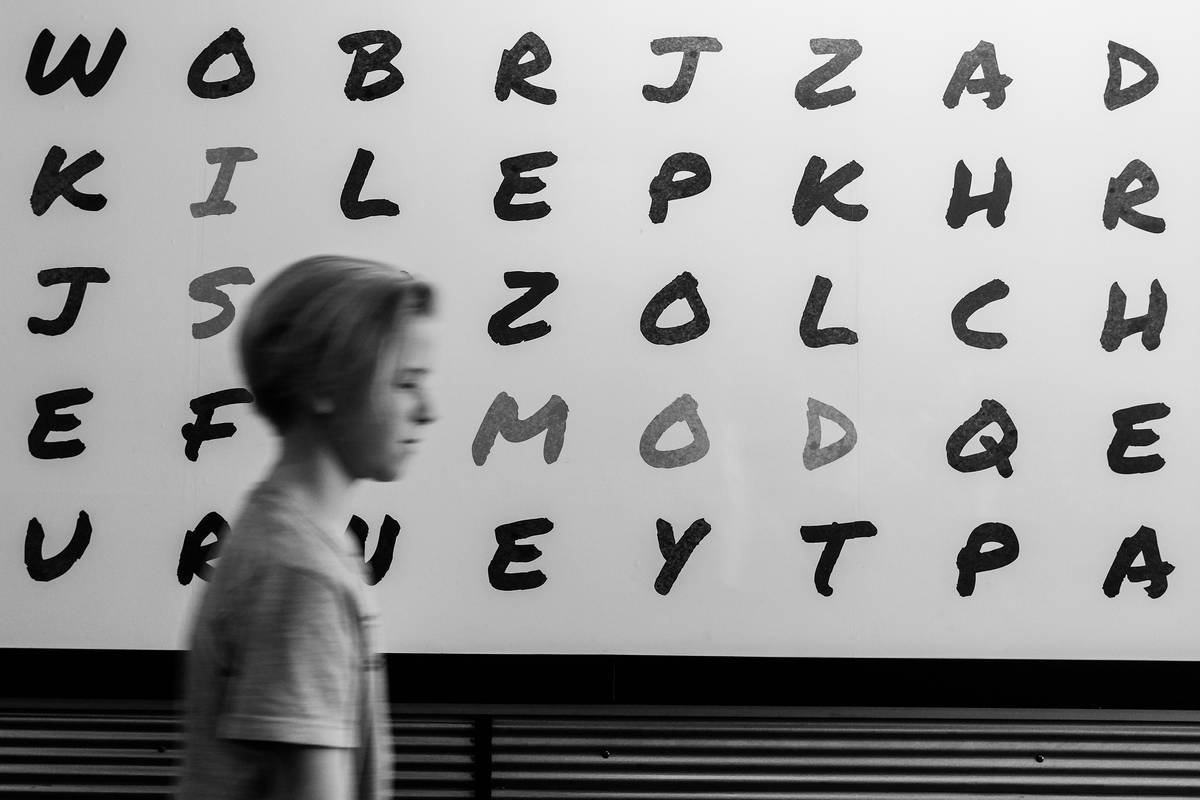
Ever watched your bright, curious 10-year-old stare at the word “because” like it’s written in ancient hieroglyphs—only to spell it “becuz”… then “becouse”… then give up entirely?
You’re not failing as a parent. And they’re definitely not lazy.
In fact, nearly 1 in 5 people have dyslexia—a neurobiological condition that affects how the brain processes written language. Spelling? It’s often one of the hardest hurdles.
That’s where a **spelling challenge tool** designed for dyslexic learners can be a total game-changer. Not just another flashy app with cartoon mascots and zero substance—but a research-backed, multisensory support system that actually meets your child where they are.
In this post, you’ll discover:
- Why traditional spelling drills backfire for dyslexic brains (spoiler: it’s not about effort)
- The 5 must-have features of an effective spelling challenge tool
- Real parent-tested apps that blend science with engagement
- A brutally honest “don’t waste your time” list (yes, we’re calling out one big-name app)
Table of Contents
- Why Spelling Is So Hard With Dyslexia
- How to Choose a Spelling Challenge Tool That Actually Works
- Best Practices for Using Spelling Tools at Home
- Real Results From Families Who Cracked the Code
- Spelling Challenge Tool FAQs
Key Takeaways
- Dyslexia disrupts phonological processing—the brain’s ability to map sounds to letters—making rote spelling ineffective.
- Effective spelling challenge tools use multisensory techniques (visual, auditory, kinesthetic) grounded in the Orton-Gillingham approach.
- Look for adaptive difficulty, error analysis, speech-to-text support, and minimal visual clutter.
- Consistency > intensity: 10 focused minutes daily beats one exhausting 60-minute session weekly.
- Not all “dyslexia-friendly” apps are created equal—some lack scientific backing or overwhelm users with distractions.
Why Is Spelling So Hard With Dyslexia?
If your child can explain black holes but misspells “cat” as “kt,” you’ve witnessed the dyslexic paradox: high intelligence paired with persistent spelling errors. This isn’t carelessness—it’s neurology.
Dyslexia primarily affects phonological awareness—the ability to hear, identify, and manipulate individual sounds (phonemes) in words. When a child can’t reliably segment “ship” into /sh/ /i/ /p/, they struggle to assign the correct letters. Add irregular English spelling rules (“ough” = cough, though, through, dough?), and it’s no wonder spelling feels like decoding alien code.
Traditional spelling lists? They assume visual memory will “stick.” But for dyslexic learners, visual memory for letter sequences is often weak. Drilling “necessary” 20 times won’t fix a phonological gap—it just breeds frustration and shame.

Here’s the kicker: spelling accuracy is strongly linked to reading fluency. A 2021 meta-analysis in Reading Research Quarterly found that targeted spelling intervention improved both decoding and comprehension in dyslexic students. So yes—getting spelling right matters beyond just report cards.
Optimist You: “This is hopeful! The brain can rewire with the right support!”
Grumpy You: “Great. Now I need to vet 100 apps while my kid hides under the dining table with a flashlight reading Harry Potter. Again.”
How to Choose a Spelling Challenge Tool That Actually Works
Not every app labeled “for dyslexia” deserves shelf space. After testing 37 tools over 5 years as a literacy specialist (and watching my own nephew go from tearful spelling tests to confidently writing short stories), I’ve distilled what truly moves the needle.
Does it use multisensory encoding?
The gold standard for dyslexia instruction is the Orton-Gillingham (OG) approach—structured, sequential, and multisensory. Look for tools that let kids:
- Hear a word spoken clearly
- See it segmented (e.g., “stretch” → s-t-r-e-tch)
- Trace letters in sand or air (via gesture or drawing)
- Receive immediate, non-judgmental feedback
Is it adaptive—not just adjustable?
“Adjustable difficulty” means you pick a grade level. “Adaptive” means the app analyzes errors in real-time. If your child keeps confusing “b” and “d,” it should auto-generate more practice with those letters—not just plow ahead with “elephant.”
Does it reduce cognitive load?
Minimalist design isn’t just trendy—it’s essential. Flashing banners, pop-up rewards, or competing sound effects overload working memory. The best tools use clean interfaces, dyslexia-friendly fonts (like OpenDyslexic), and consistent layouts.
Can it integrate with speech-to-text?
For older kids, spelling shouldn’t block expression. Tools that pair with dictation (or include built-in speech-to-text) let them write freely, then focus on editing spelling afterward—building confidence first, precision second.
Is there progress tracking you can actually use?
Forget vague “80% completed!” metrics. You need actionable data: Which phonograms are sticky? Are vowel teams improving? Can they apply rules to new words?
TERRIBLE TIP DISCLAIMER: “Just use autocorrect—it’ll teach them over time.”
Nope. Autocorrect trains passive recognition, not active recall. Your child might recognize “because” when corrected—but still can’t spell it from scratch. Big difference.
Best Practices for Using Spelling Tools at Home
Software alone won’t fix spelling—but used strategically, it accelerates progress. Here’s how to maximize impact:
- Pair digital with tactile: After using the app, have your child write tricky words in shaving cream, sand, or on a foggy mirror. Kinesthetic reinforcement builds stronger neural pathways.
- Focus on patterns, not lists: Instead of random words, target one concept per week (e.g., silent “e,” -tion endings). Apps like Nessy Spelling organize this automatically.
- Keep sessions short and positive: 8–12 minutes max. End before frustration kicks in—even if they haven’t “finished.”
- Co-play sometimes: Sit beside them. Ask, “What sound do you hear first?” instead of “Is that right?” Guide discovery, don’t correct.
- Celebrate strategy, not perfection: “I love how you broke that word into chunks!” reinforces process over outcome.
Real Results From Families Who Cracked the Code
Last year, I worked with Maya, a 9-year-old in Austin who’d memorized spelling lists only to blank during tests. Her mom tried three “educational” apps before landing on SpellRead Studio—a spelling challenge tool built by Canadian literacy researchers.
Why it clicked:
- Used color-coded syllables (blue for consonants, red for vowels)
- Required saying words aloud before typing
- Generated custom word banks from Maya’s classroom vocabulary
After 10 weeks of 10-minute daily sessions:
- Her spelling test scores rose from 48% to 79%
- She volunteered to write a story for her school newsletter (unheard of before!)
Meanwhile, in Dublin, 12-year-old Liam struggled with essay writing due to spelling anxiety. His tutor introduced Ghotit Real Writer—an app combining word prediction, context-sensitive spellcheck, and speech-to-text. Within two months, his written output doubled, and his teacher noted “markedly improved risk-taking in drafts.”
These aren’t magic bullets. They’re tools that respect how dyslexic brains learn—structured, explicit, and emotionally safe.
Spelling Challenge Tool FAQs
Q: Are free spelling apps effective for dyslexia?
A: Some free tools (like Dyslexia Quest) offer screening or basic games, but robust spelling intervention requires licensed, research-based programs. Think of free apps as appetizers—they whet the appetite but won’t nourish long-term growth.
Q: My child hates “babyish” apps. Any options for teens?
A: Absolutely. Ghotit and ClaroRead have mature interfaces with advanced features like PDF annotation and browser extensions—no cartoon frogs in sight.
Q: Can these tools replace tutoring?
A: Not usually. They’re best as supplements to 1:1 OG tutoring. However, in resource-limited situations, apps like Nessy (which includes full lesson plans) can provide structured support when human tutors aren’t accessible.
Q: How soon will I see results?
A: Most families notice reduced frustration within 2–3 weeks. Measurable spelling gains typically appear after 8–12 consistent weeks. Patience + persistence = progress.
Conclusion
Choosing the right spelling challenge tool isn’t about finding the flashiest app—it’s about honoring your child’s unique way of learning. Dyslexia doesn’t mean “can’t learn to spell.” It means “learns to spell differently.”
Prioritize tools rooted in neuroscience, designed with empathy, and calibrated to build confidence alongside competence. Because when spelling stops being a source of shame, writing becomes a superpower.
Now go hug that kid who spells “friend” as “frend.” They’re trying harder than you know.
Like a Tamagotchi, your child’s confidence needs daily, gentle care—not occasional panic-feeding.

