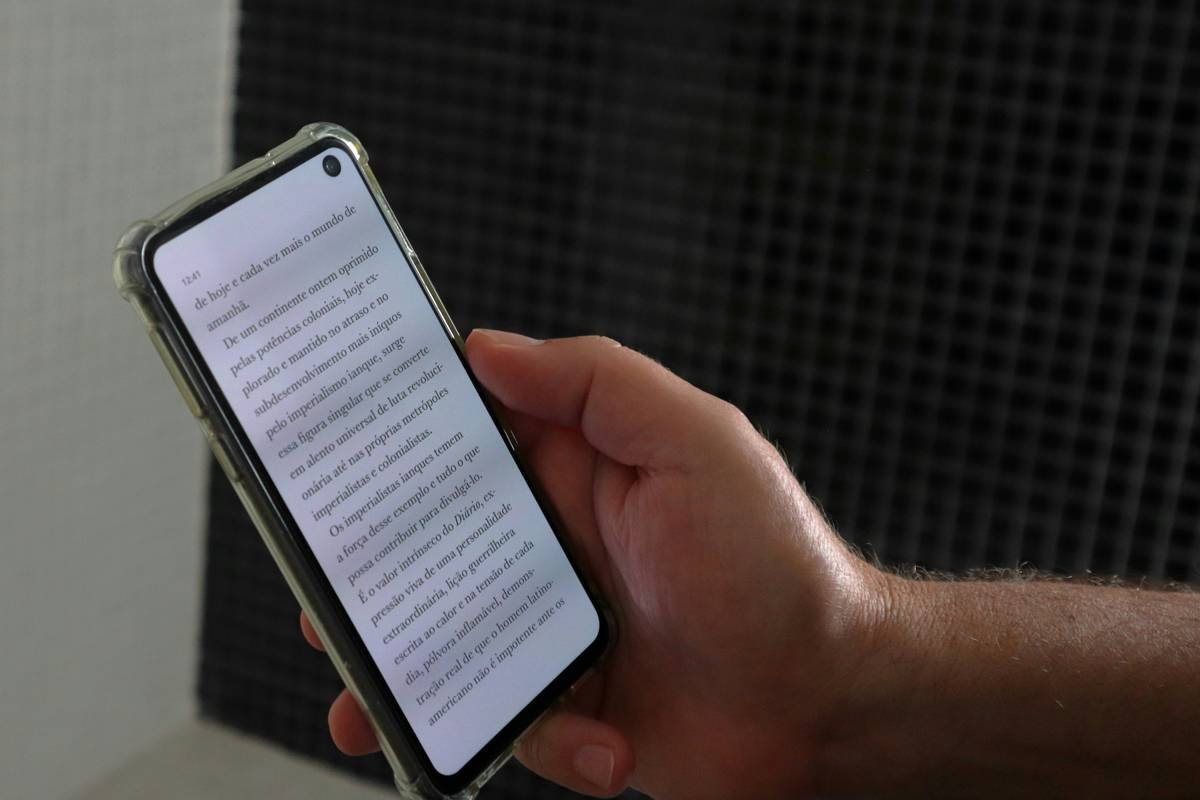
Ever tried reading a simple paragraph only to have the words swim like a school of fish across the page? If you’re one of the 20% of people living with dyslexia, this nightmare might feel all too familiar. But what if technology could be your lifeline instead of an added frustration? Enter reading aid technology, the game-changer that’s helping individuals with dyslexia decode, comprehend, and thrive.
In this post, we’ll dive deep into how dyslexia apps leveraging cutting-edge reading aid technology are making waves. You’ll learn what makes these tools so revolutionary, actionable steps to find the best app for your needs, real-world success stories, and a few rant-worthy gripes about overhyped features. By the end, you’ll know exactly how to use reading aid technology to unlock untapped potential—no whirring laptop fan required.
Table of Contents
- Key Takeaways
- The Struggle Is Real: Why Reading Can Feel Impossible for Dyslexics
- Step-by-Step Guide to Finding Dyslexia Apps with Reading Aid Technology
- 5 Tips for Maximizing Your Dyslexia App Experience
- Case Studies: How Others Have Benefited from Dyslexia Apps
- FAQs About Dyslexia Apps and Reading Aid Technology
Key Takeaways
- Reading aid technology transforms text into accessible formats through audio support, visual adjustments, and more.
- Dyslexia apps often combine AI-powered features like text-to-speech and font customization to cater to individual needs.
- Finding the right app requires understanding specific learning challenges and testing options before committing.
- Success stories show measurable improvements in confidence and academic performance when using tailored dyslexia apps.
The Struggle Is Real: Why Reading Can Feel Impossible for Dyslexics
“I once went to a job interview armed with pre-written cue cards because I was terrified they’d ask me to read something aloud,” admits Sarah D., who has lived with dyslexia her entire life. Her story isn’t unique—millions of people worldwide face similar hurdles every day. The classic symptoms include:
- Mixing up letters (b/d confusion).
- Trouble tracking lines of text without losing place.
- Slow processing speed and frequent rereading.
Common signs and struggles associated with dyslexia.
Sadly, traditional teaching methods rarely address these issues effectively. That’s where reading aid technology swoops in like a cape-wearing superhero—but not all heroes wear capes; some come in sleek smartphone apps.
Step-by-Step Guide to Finding Dyslexia Apps with Reading Aid Technology
Optimist You: “It’ll be easy to find the perfect app!”
Grumpy You: “Nope, prepare for trial and error.”
- Identify Specific Needs: Not all dyslexic brains operate the same way. Some need text-to-speech functionality, while others benefit from color overlays or customizable fonts.
- Research Popular Options: Google reviews aren’t enough here. Check specialized blogs, forums, and even YouTube tutorials for honest feedback on dyslexia apps.
- Try Free Trials: Many top apps offer free versions or trials. Use them to test compatibility with your device and learning style.
- Consult Educators or Therapists: Teachers specializing in special education can provide invaluable recommendations based on firsthand experience.
- Evaluate Accessibility Features: Ensure the app works offline, integrates with e-books, and offers multi-device syncing.
Comparison of two popular dyslexia apps highlighting accessibility features.
5 Tips for Maximizing Your Dyslexia App Experience
- Customize Everything: Tweak font size, background colors, and voice speed until it feels just right.
- Combine Tools: Pair your app with physical aids like colored overlays or speech-to-text programs.
- Pace Yourself: Don’t rush through content. Break sessions into manageable chunks.
- Track Progress: Keep a journal or spreadsheet documenting improvements over time.
- Avoid Overwhelm: Too many bells and whistles can distract rather than help. Stick to essential features first.
Pro Tip: Avoid downloading apps promising magic overnight results. Reading aid technology requires practice and patience—it won’t cure dyslexia but will empower users immensely.
Case Studies: How Others Have Benefited from Dyslexia Apps
Meet James, a high schooler struggling to keep up with his peers. After adopting a dyslexia app with advanced text-to-speech capabilities, his grades improved significantly. “For the first time,” he says, “I actually understood my history textbook!”

Before-and-after data demonstrating improved reading comprehension post-app usage.
Or take Lisa, a mom who downloaded a family-friendly dyslexia app to help her son. She noticed immediate boosts in both engagement and independence during homework time. “He no longer dreads reading assignments,” she tearfully shared.
FAQs About Dyslexia Apps and Reading Aid Technology
Are dyslexia apps expensive?
Prices vary wildly, ranging from free to several hundred dollars annually. Most quality apps fall somewhere in the middle ($5–$30/month).
Do I need Wi-Fi to use these apps?
Many work offline once content is downloaded, ensuring continuous access anywhere.
Can kids use these apps independently?
Most modern apps are designed with intuitive interfaces suitable for younger users, though parental guidance is always recommended initially.
Conclusion
Reading aid technology isn’t just another fleeting tech trend—it’s reshaping lives globally. From empowering students to giving adults newfound confidence at work, dyslexia apps are proving indispensable in the fight against literacy barriers. Armed with knowledge, the right tools, and perseverance, anyone can overcome their unique reading hurdles.
Remember: Like keeping a Tamagotchi alive, mastering new tech takes care and attention—but the rewards are oh-so worth it.
Roses bloom,
Words dance free,
Tech lights paths unseen.

